
Using Softphone
Message Delivery Status
☰ Open Menu ☰ Hide Menu
The mark (1) displayed next to each sent message indicate the delivery status.
Poor internet connection may cause message sending or receiving issues. If this problem persists despite being connected to the Internet, contact your SIP service provider for assistance.
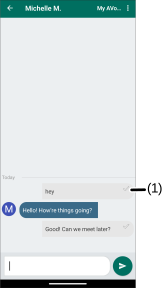
Marks Description
 The message or attachment is successfully sent.
 The message or attachment is sending in progress.
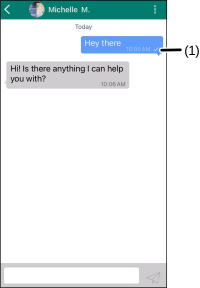
Marks Description
 The message or attachment is successfully sent.
The message or attachment is sending in progress.
Was this guide helpful?