
Using Softphone
Saving New Contacts
Add new contacts to the address book so that you can look them up in the Contacts tab.
You can add new contacts in several ways:
- To manually save a new phone number:
In the Contacts tab, select the + (1) icon and then follow the instructions on the screen.


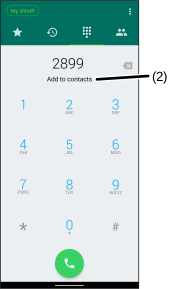
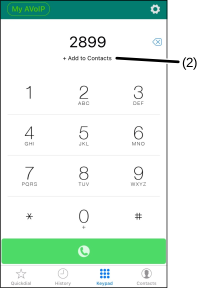
- In the Keypad tab, dial the phone number using the dialer, tap Add to Contacts, and then follow the instructions on the screen.
To save a new phone number in the History tab:
-
Select the
 icon beside the new phone number.
 -
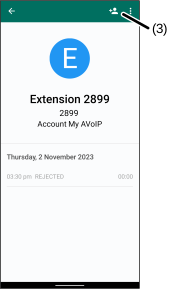
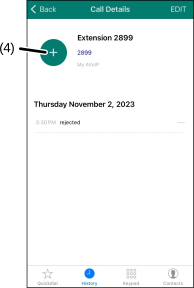
Select
 (3) for Android devices or + (4) for iOS devices.
- Follow the instructions on the screen to save the new number.
Was this guide helpful?