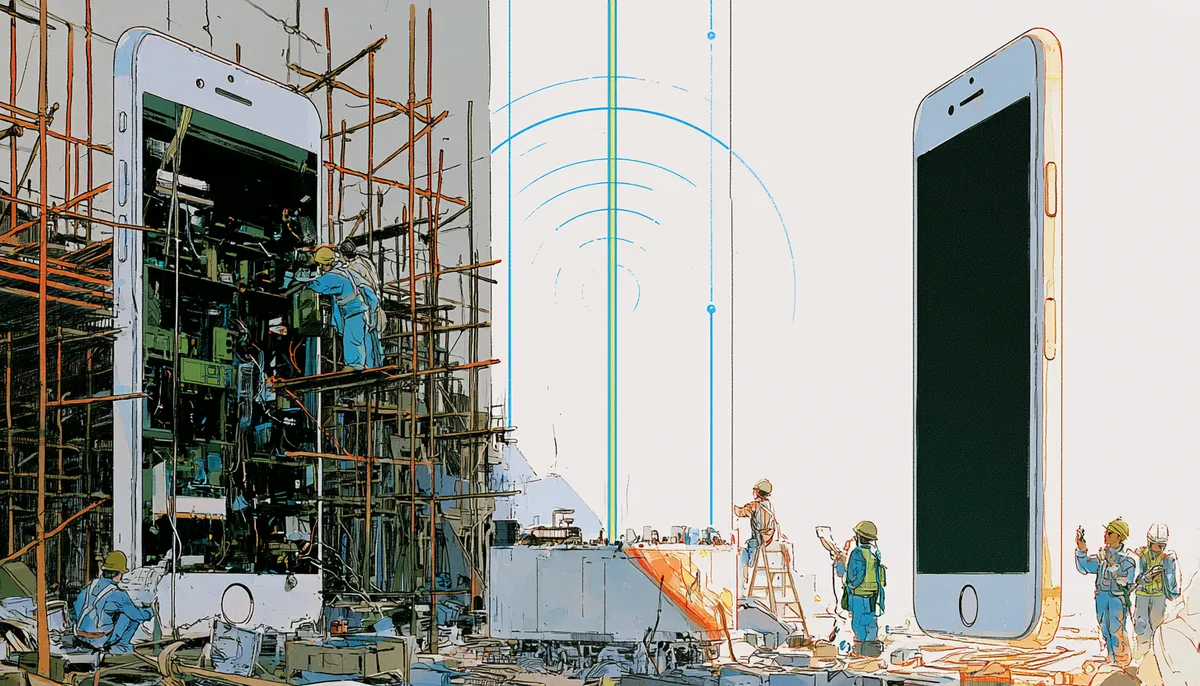
You've decided to move off MetaSwitch. The real question isn't which platform to land on. It's how to do it without hemorrhaging subscribers during the transition. This guide walks through how operators migrate their infrastructure while keeping customers happy and unaware.
For background, see what's happening with MetaSwitch and which alternatives operators are evaluating.
Why migrations kill your customer base
The #1 cause of churn during platform migrations isn't technical failure. It's service disruption that gives customers a reason to shop around.
When subscribers have to:
- Re-download an app
- Re-enter credentials
- Experience a day (or week) of degraded service
- Lose call history or voicemail
...they Google alternatives. And RingCentral, Vonage, and every UCaaS vendor is spending millions to be the first result they see.
The two-layer architecture that protects your subscribers
Smart operators decouple the client layer (what subscribers see and touch) from the switching layer (your backend infrastructure):
When the app layer is independent of the switching platform, you can:
- Migrate subscribers in batches (not big-bang)
- Roll back individual accounts if something breaks
- Complete the migration with zero app reinstalls
The step-by-step MetaSwitch migration playbook
We looked at what operators, regulators, and platform documentation actually say about leaving MetaSwitch, from Metaswitch's own hosted-UC docs to the FCC's number-portability rules and NENA's E911 standards. A few patterns turn up again and again, and the phases below fold them in.
Phase 1: launch your branded app (weeks 1–4)
Deploy a white-label softphone that registers against your current MetaSwitch SIP infrastructure. Subscribers download your branded app and start using it immediately.
- Push notifications mean calls ring reliably
- Your brand, your app store listing
- No dependency on CommPortal's client
Nothing on your network changes yet. You're adding an app, not moving a subscriber.
Phase 2: provision the new platform in parallel (months 1–3)
Stand up your target platform (BroadSoft, NetSapiens, Ooma, FreeSWITCH, whatever fits) alongside the old one.
- Configure trunking and routing
- Port numbers in batches
- Validate call quality before anyone moves
The evidence points to a few friction points here, and none of them is the trunking.
Feature parity. With the legacy side facing a well-documented innovation gap, the real cost shows up at cutover: hunt groups, voicemail trees, and auto-attendants rarely map one-to-one. Map them before anyone moves.
Number porting. Porting is regulated, not instant. Each batch is a request filed with the losing carrier, with a validation window measured in days. Start early.
E911. Emergency addresses have to be re-provisioned on the new platform, not assumed to carry over. Cloud Softphone's emergency location service reports the location; the platform and carrier route the call.
Subscribers never touch this layer. Their app keeps working.
Phase 3: re-point SIP registration (months 2–4)
Using your provisioning system or Cloud Softphone's remote configuration:
- Update SIP server addresses per-subscriber or per-batch
- App reconnects to new platform automatically
- No reinstall, no credential reset, no downtime visible to subscriber
Watch each batch reconnect and complete calls before releasing the next. A bad batch reverts in minutes: you push the change centrally, and there is nothing on the subscriber's end to undo.
Phase 4: decommission MetaSwitch (month 4+)
Don't pull the plug the day the last batch moves. Keep MetaSwitch in read-only standby until porting is confirmed and final CDRs and voicemail are exported. Then close it out:
- Turn off MetaSwitch infrastructure
- Consolidate billing and provisioning to new platform
- Document any churn during the transition window: most operators see <2% if migration is staged correctly
That is the day the MaX UC licensing actually stops.
What zero churn actually requires
| Requirement | Why it matters |
|---|---|
| Remote provisioning | Update SIP targets without subscriber action |
| Push notification reliability | Missed calls = instant churn trigger |
| Brand continuity | Same app icon, same experience |
| Batch migration support | Roll back individual accounts if needed |
| No credential reset | Subscribers never see a "re-enter password" screen |
Cloud Softphone supports all five. Provisioning via QR, SMS, web link, or external API means you control the migration timeline per-subscriber.
Big-bang vs staged migration, by the numbers
The gap between a rushed cutover and a staged migration shows up directly in retention:
The difference is whether subscribers notice the migration. If they don't, they don't churn.

Start with the app, then migrate the backend
Moving off MetaSwitch is real work. Anyone selling you a one-click migration is pricing in the churn that comes with it.
What you control is the order. Move the app and the backend together and subscribers feel every bit of it: reinstall, re-authenticate, relearn.
Put your branded app in their hands first, while they are still on MetaSwitch. Now the app is the fixed point. The platform behind it becomes something you swap on your own schedule, one batch at a time, with a way back if a batch misbehaves.
Scoping a move? Worth seeing where a branded, softswitch-agnostic app fits your stack before you pick a platform, not after.
Let's map your next mobile move
In one session, we'll help you evaluate where risk sits today and how to improve continuity without disruption.
- Current-state review
- Priority alignment
- Practical next steps