


#1 softphone apps for business calling on iOS and Android
Find the SIP softphone app that fits your workflow, with options built for individual use or heavier business calling.
- •Built for frequent business calling.
- •Supports call transfer and conferencing.
- •Strong SIP configuration options


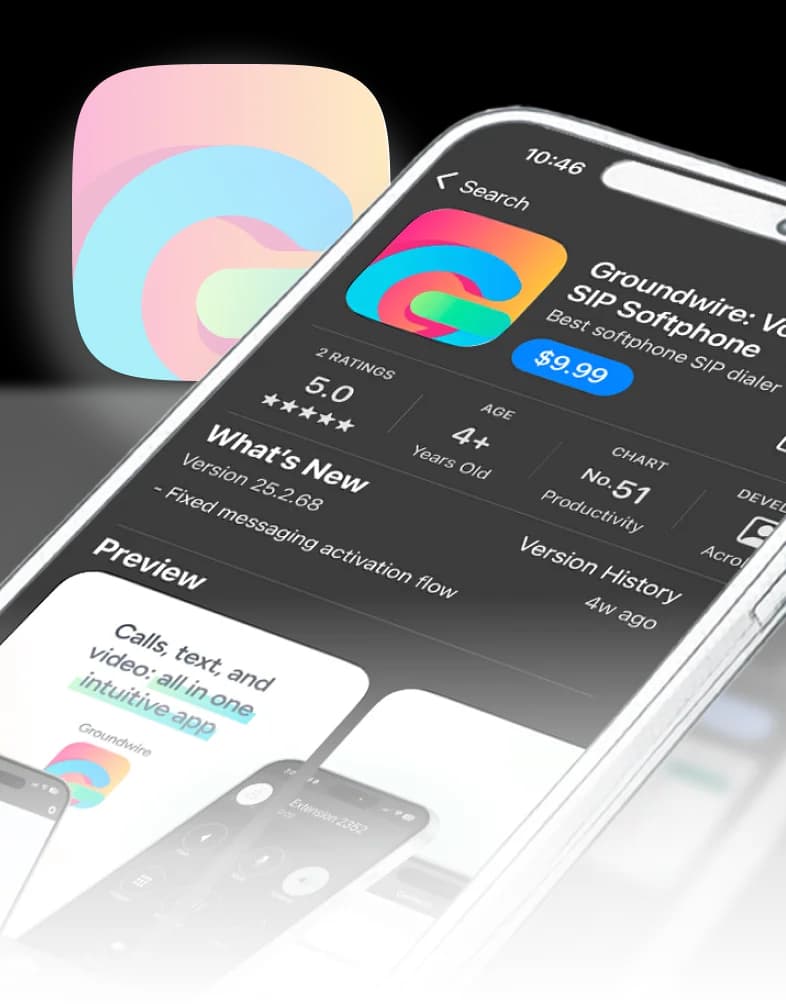
#1 softphone apps for business calling on iOS and Android
Find the SIP softphone app that fits your workflow, with options built for individual use or heavier business calling.
- •Built for frequent business calling.
- •Supports call transfer and conferencing.
- •Strong SIP configuration options
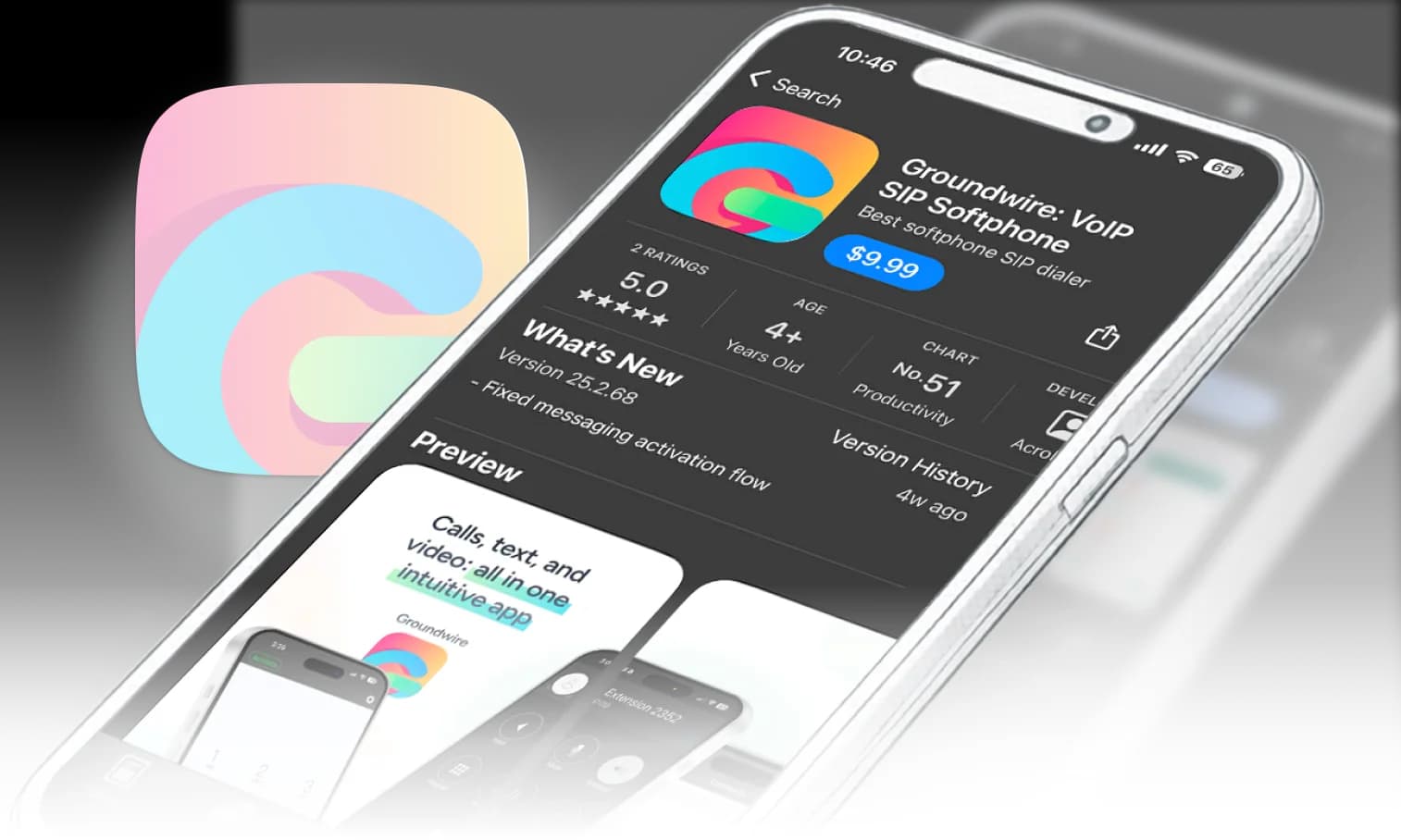
#1 softphone apps for business calling on iOS and Android
Find the SIP softphone app that fits your workflow, with options built for individual use or heavier business calling.
- •Built for frequent business calling.
- •Supports call transfer and conferencing.
- •Strong SIP configuration options
Chat with AI about this page
Groundwire and
Acrobits Softphone:Groundwire and Acrobits Softphone:
2 SIP clients for different use cases

Groundwire
Best for: Business teams
Teams and users with heavy daily call needs.
Transfer, conferencing, mailvoice, recording, call control.
Advanced SIP options with detailed per-account settings.
Multiple accounts; works with any standard SIP service.
Available on iOS and Android.
One-time purchase with lifetime updates.

Acrobits Softphone
Best for: Individual professionals
Individual professionals with regular calling needs
Voice, video, messaging; no transfer or conferencing.
Solid SIP options with straightforward setup.
Multiple accounts; works with any standard SIP service.
Available on iOS and Android.
One-time purchase with lifetime updates.
Plug-and-play SIP clients compatible with over 80 VoIP providers






VoIP app features built around real needs
Built on a shared SIP core, Groundwire and Acrobits Softphone make calling easier: you stay reachable, use less battery, get cleaner audio, and keep both setup and ownership simple.

Zero battery drain SIP app
SIPIS keeps your SIP account registered in the cloud, so calls reach you while the app stays light on battery.

Secure by default
TLS, SRTP, and optional ZRTP protect signaling and media.

HD voice tuned for mobility
Wideband codecs plus smooth Wi-Fi to mobile handover.

Control for all setups
Multiple SIP accounts; Groundwire adds per-account controls.

Pay once, keep it
One-time purchase, lifetime updates, no subscriptions.

Same SIP core
SIP apps built using the same SIP backbone as our VoIP SDK and Cloud Softphone app.

Technical documentation ready
Engineers and integrators can dive into our docs for detailed SIP configuration, SIPIS setup, codec options, and security best practices.
Zero battery drain SIP app
SIPIS keeps your SIP account registered in the cloud, so calls reach you while the app stays light on battery.
Secure by default
TLS, SRTP, and optional ZRTP protect signaling and media.
HD voice tuned for mobility
Wideband codecs plus smooth Wi-Fi to mobile handover.
Control for all setups
Multiple SIP accounts; Groundwire adds per-account controls.
Pay once, keep it
One-time purchase, lifetime updates, no subscriptions.
Same SIP core
SIP apps built using the same SIP backbone as our VoIP SDK and Cloud Softphone app.
Technical documentation ready
Engineers and integrators can dive into our docs for detailed SIP configuration, SIPIS setup, codec options, and security best practices.
Business calling, untethered
Whether you keep your deskphone or go mobile-only, here's what Groundwire and Acrobits Softphone bring.
- Take business calls during your commute
- Switch seamlessly between Wi-Fi and mobile data
- Use your business line from anywhere in the world

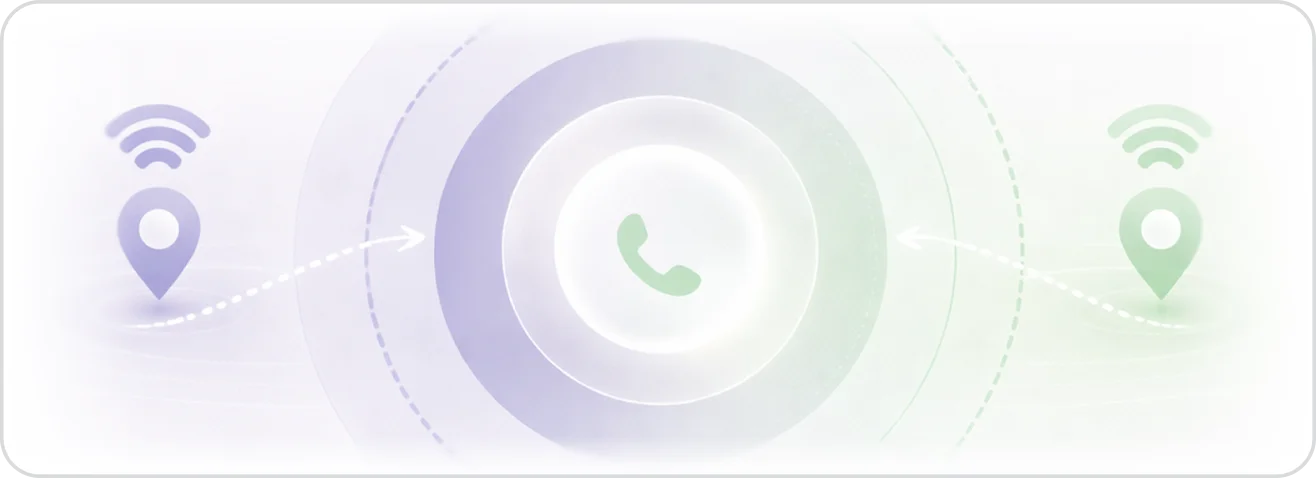
Your office, wherever you are
No extra hardware. No missed calls. Just your business line, ready when you are.
- Keep personal and work calls separate on one device
- Your PBX extension, always in your pocket
- No missed calls, even when you're away from your desk
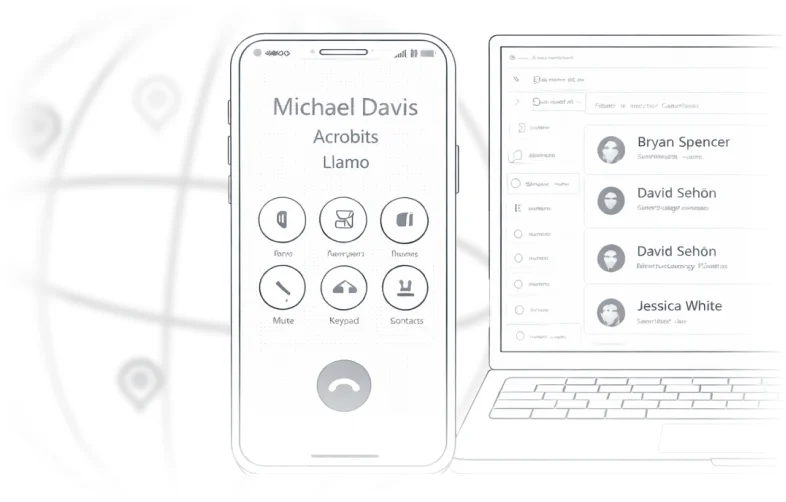
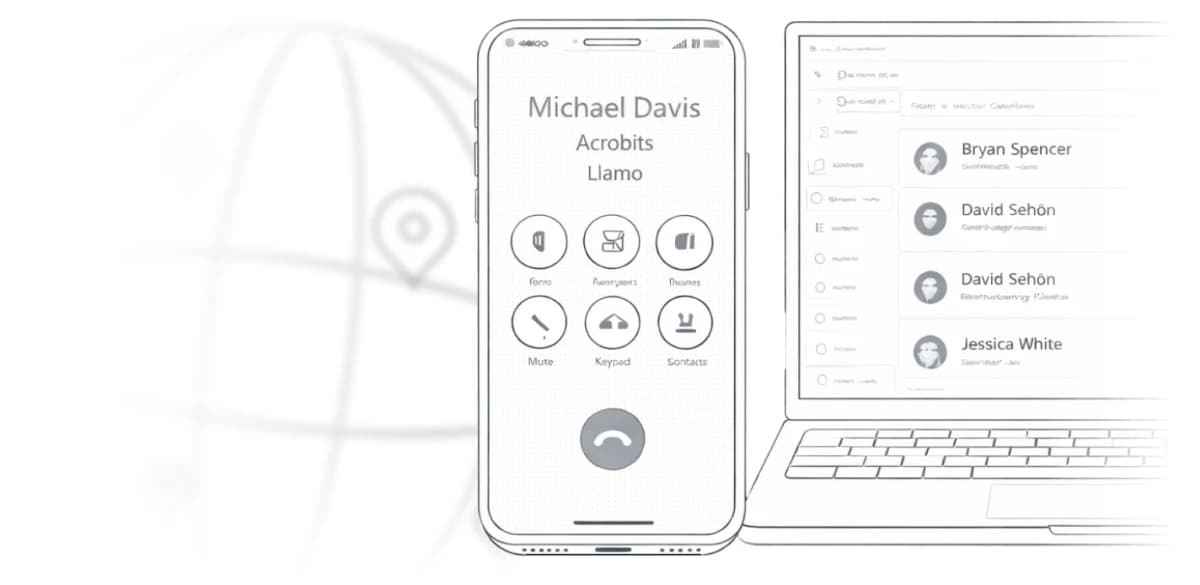
Your office, wherever you are
No extra hardware. No missed calls. Just your business line, ready when you are.
- Keep personal and work calls separate on one device
- Your PBX extension, always in your pocket
- No missed calls, even when you're away from your desk
Get your SIP client running on iOS and Android
Choose your app
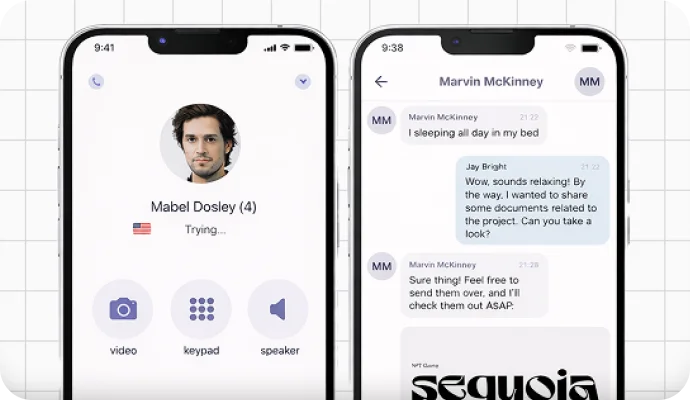
Pick Groundwire for heavier business calling or Acrobits Softphone for individual use.
Install on your phone
Download the app from the App Store or Google Play.
Add your SIP account
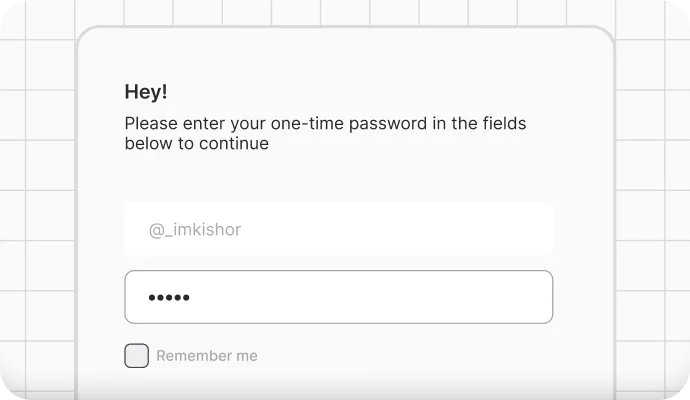
Enter your SIP details, save, and start calling.
Get your SIP client running on iOS and Android
Choose your app
Pick Groundwire for heavier business calling or Acrobits Softphone for individual use.
Install on your phone
Download the app from the App Store or Google Play.
Add your SIP account
Enter your SIP details, save, and start calling.
Get your SIP client running on iOS and Android
Choose your app
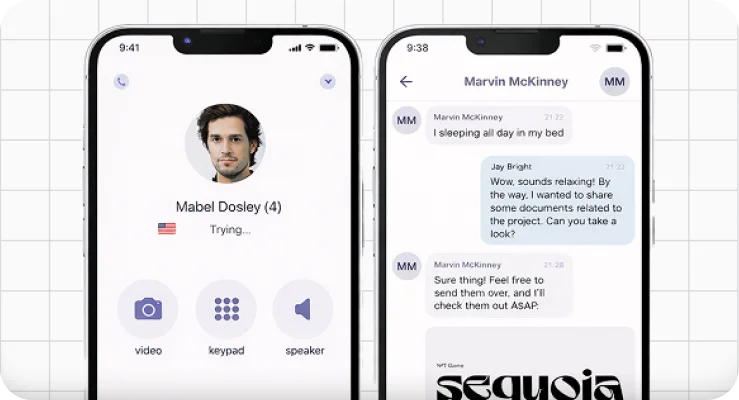
Pick Groundwire for heavier business calling or Acrobits Softphone for individual use.
Install on your phone
Download the app from the App Store or Google Play.
Add your SIP account
Enter your SIP details, save, and start calling.
Looking beyond a single softphone app?
Scale with our SDK and Cloud Softphone to power full,enterprise-level softphone solutions.