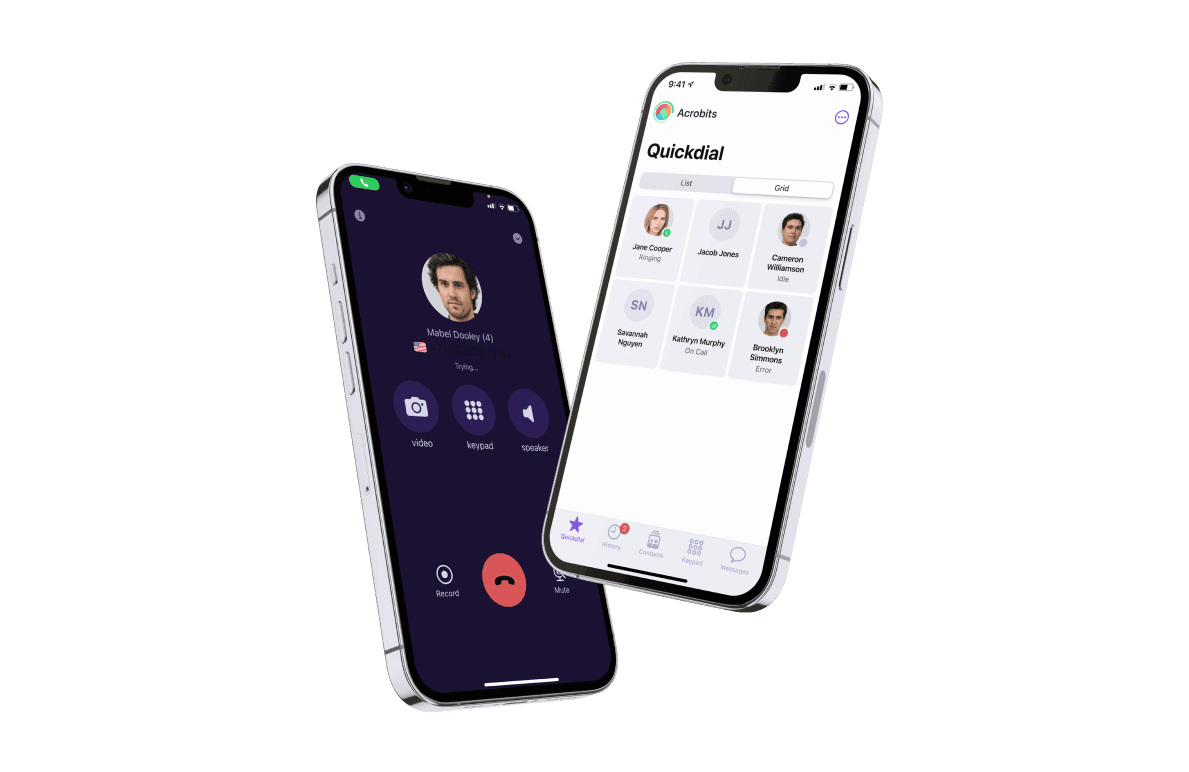
You already had your Cloud Softphone demo — saw what the app can do, and are now ready to finalize your design. And thanks to our innovative design tool, you can expedite your time to market even more.
Cloud Softphone makes it easy for you to design, build, and deploy a carrier-grade SIP communications platform. And when it comes to design, our intuitive design tool can shave weeks off the design process.
But how can you leverage Cloud Softphone’s design tool to create an app that fits your brand? Here’s how you can use Cloud Softphone to streamline the design process, test platform functionality, improve messaging, take advantage of push notifications, and build a branded app that fits your company.
There’s No Need for a Professional Designer
Building or licensing a softphone app involves top features and more than just functionality — the app needs to look good too. Your users will interact with your softphone’s user interface every time they make a call or send a text.
Creating an attractive and usable UI is really challenging and often requires knowing the right designer that gets your vision. Turnkey solutions may have a UI that conflicts with your brand’s style guide.
It’s not uncommon for companies to look for a designer that can update and customize the look and feel of their new softphone app.
Cloud Softphone doesn’t have this issue

Cloud Softphone is a white label softphone app that comes with an intuitive design tool that lets you customize every aspect of the UI. That means there’s no need to hire an external designer, saving you both time and money.
Create the Look You Want
Having the power to create the type of look you want for your company gives you a lot of control over your branding.
You can focus on creating a design that helps your employees to work efficiently, enhance the look of your brand with company colors and logos, and more.
User-Friendly Design for User-Friendly Experiences
The Cloud Softphone design tool makes it easy for you to implement a user-friendly experience from design to final use.
The tool features a straightforward, intuitive interface that is incredibly simple to navigate and use. It also requires no-code and past design experience to use.
A clear sidebar shows all of the various elements you can edit. An image of the application in the center of the screen shows you exactly what your app will look like as you make changes in either iPhone or Android. You can also use the device view to click on an area of the app you’d like to edit.
When you are finished editing, you can export your changes. You can also select the autosave option to ensure you never lose your work. When you’re finished with your design, your application will be fully tested by an Acrobits professional to ensure everything is working. And in just a few days, you’ll be up and running.
This design tool is truly exceptional thanks to its completely foolproof interface. You’ll never need to hire a designer — with this interface — you can do everything yourself.
Customize Branding Options
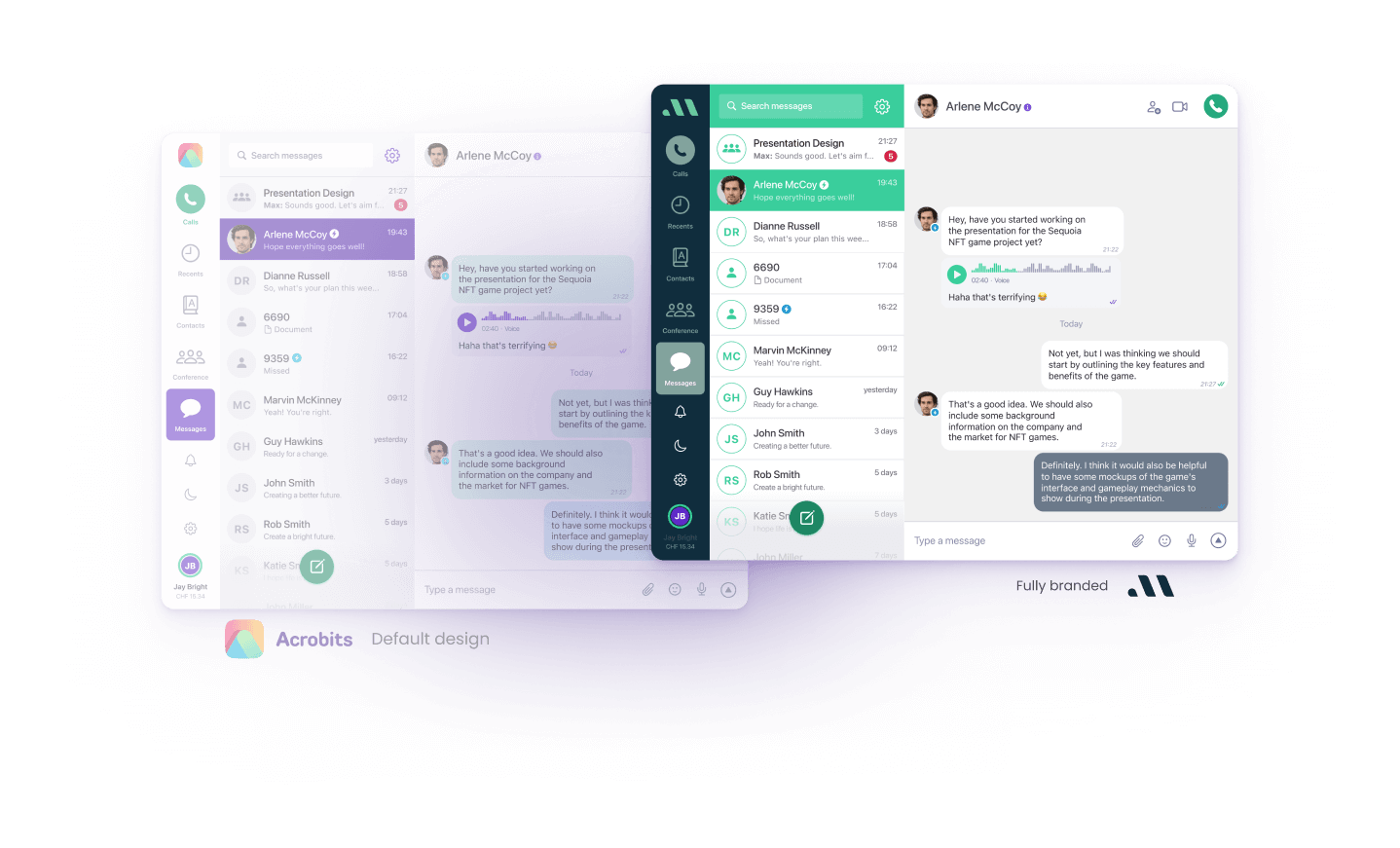
You’ve spent years developing your brand. Cloud Softphone’s white-label options let you integrate the different design elements that make your brand special.
By using your company’s logo in your design, your applications will automatically look and feel more professional.
It’s a small touch that your employees will notice.
Change Buttons, Colors, Fonts, and Opacity
The design tool allows you to alter the style of various buttons to give your application a unique, unusual look.
You can also modify various colors, fonts, and opacity levels for every aspect of the application. You’ll have access to a full-spectrum color wheel for your selections, so you really can choose any color under the sun.
Change Buttons, Colors, Fonts, and Opacity
The design tool allows you to alter the style of various buttons to give your application a unique, unusual look.
You can also modify various colors, fonts, and opacity levels for every aspect of the application. You’ll have access to a full-spectrum color wheel for your selections, so you really can choose any color under the sun.
Select Ringtones
The final exciting customizable feature of the tool is the ringtone selector. In the ringtone section, you’ll have the chance to upload up to six different ringtone sounds, which can be used on your application.

Cloud Softphone: Simple Design, Powerful Functionality
Have you had bad experiences working with external designers? Are you tired of project delays due to design revisions?
Cloud Softphone’s intuitive design tool can help you overcome all of these problems and more. Design, build and deploy carrier-grade communications in a no-code environment.
Are you interested in seeing how easy it is to design your next softphone app using Cloud Softphone? If you haven’t booked a demo with one of our UCaaS experts, schedule it today to see what Cloud Softphone can do for you.